Every Mac comes with a calendar, but it is not the only good option. This guide is for Mac users who want to know if they should switch, and to what. We compared three calendars using each maker's official pages. Prices are as of November 1, 2026.
1 Several accounts in one polished view
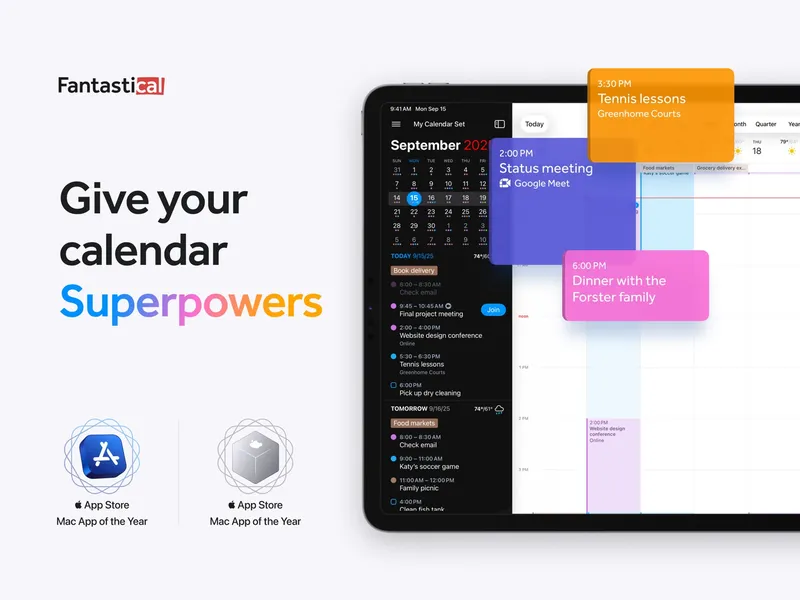
Fantastical
Free basic version; Premium subscription Fantastical is a calendar and tasks app that brings several calendar accounts into one view, with natural-language event entry. It adds time-zone tools, scheduling links and conferencing, and works with iCloud, Google, Microsoft 365, Exchange and Todoist. It runs on Mac, iPhone, iPad, Apple Watch and Windows. There is a free Essentials plan, and Flexibits Premium comes in Individual, Family and Team versions with a 14-day trial.
Pick it if you want the most polished Mac calendar and use scheduling links or several accounts.
2 Power users who want to pay once
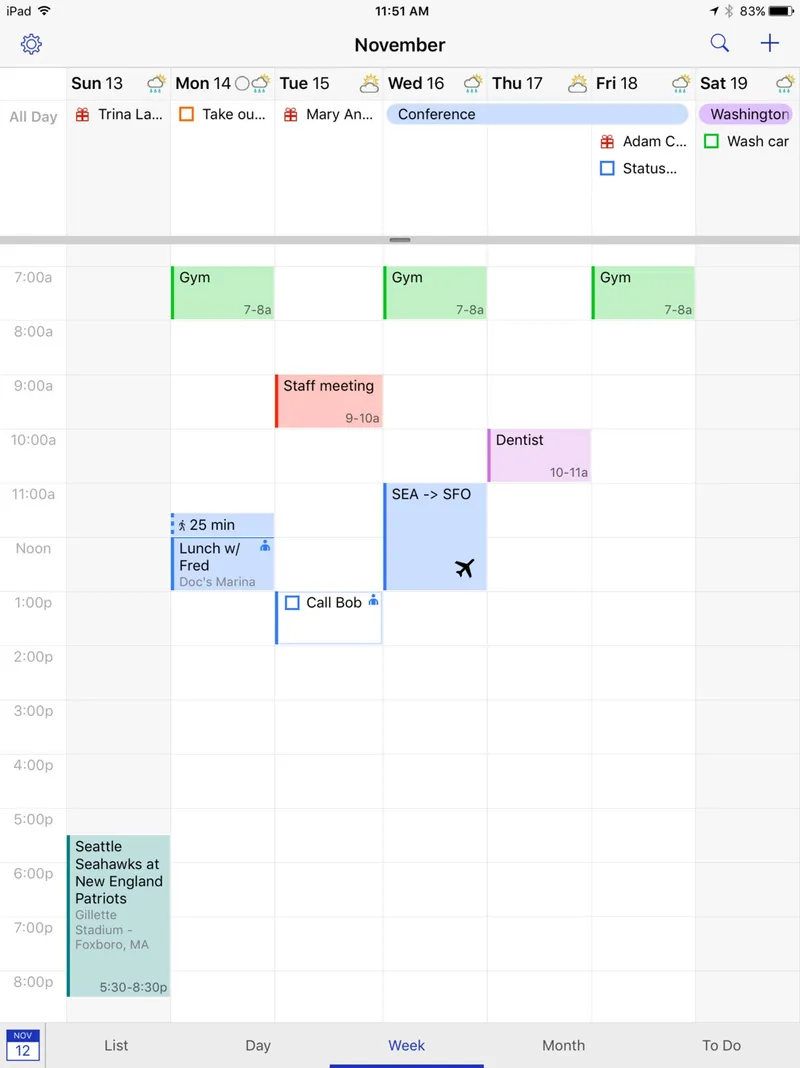
BusyCal
Mac about $50 one-time; iOS app about $10; also in Setapp BusyCal is a powerful calendar and tasks app for Mac. It has customizable views, natural-language entry, Smart Filters, travel time, weather and a menu-bar calendar. It syncs with iCloud, Google, Exchange and CalDAV, and has companion apps for iPhone, iPad and Apple Watch. The Mac licence is US$49.99 one-time and includes 18 months of updates. The iOS app is US$9.99. BusyCal is also included in Setapp.
Pick it if you want lots of control and prefer a one-time purchase over a subscription.
3 Free and built in
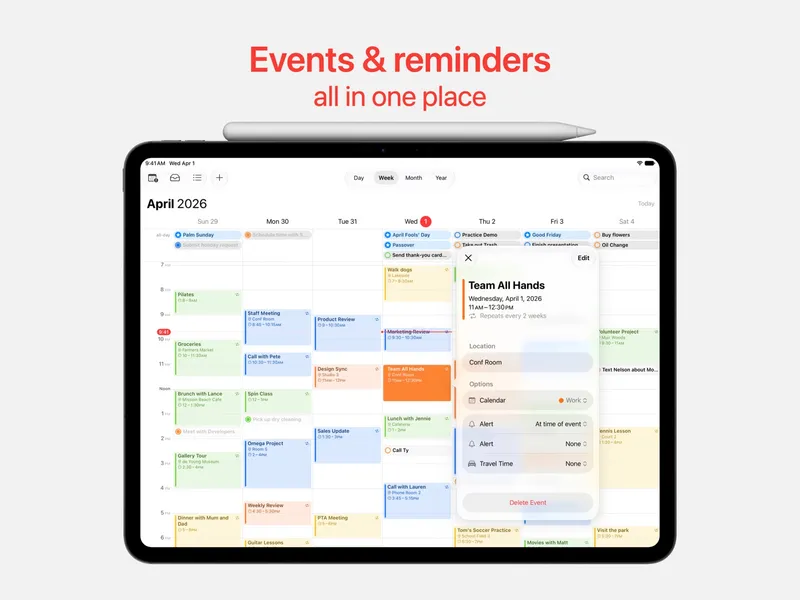
Apple Calendar
Free with Apple devices Apple Calendar is the built-in calendar on Apple devices for events, invitations, reminders, birthdays and subscribed calendars. It works with iCloud, Google, Exchange and other accounts, and supports shared calendars and video-call links. It is included free on every Mac, iPhone, iPad and Apple Watch, and there is a web version too.
Pick it if your needs are simple and you want something free that is already there.
Also consider: Notion Calendar, a free keyboard-friendly calendar, and Calendars by Readdle, which adds tasks and habit tracking.
Fantastical is the best upgrade for most Mac users who need more than the basics. BusyCal is the best choice for power users who want to pay once. Apple Calendar is perfectly good if you only need events and invitations, and it costs nothing.