Speaking is often faster than typing, and modern dictation apps turn your voice into clean text. This guide is for Mac users who want to write emails, notes or code by voice. We compared the voice apps in our inventory that run on Mac. Two are true type-anywhere dictation tools; the third is better for recording and transcribing longer conversations. Prices were checked on November 1, 2026.
1 Polished writing from speech in any app
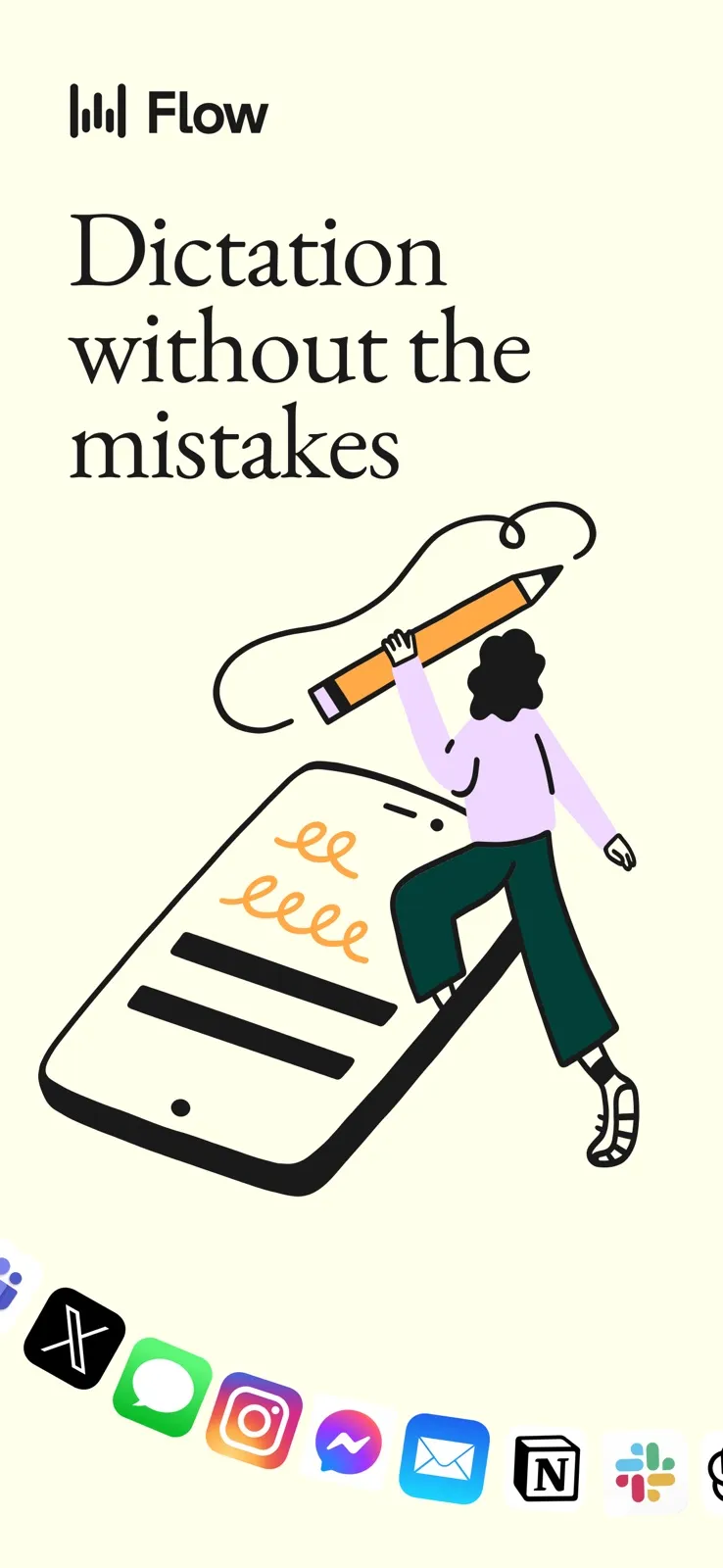
Wispr Flow
Free plan; Pro about $15/month or $12/month yearly Wispr Flow is a voice-to-text app that turns speech into polished writing across apps. It learns names and jargon and supports more than 100 languages. It also includes Wispr Notetaker for meeting and voice-memo transcription. The free plan has limited dictation; Pro removes the limits.
Pick it if you want your speech cleaned up into tidy writing wherever you type.
2 Private, offline dictation
Superwhisper
Free plan; Pro about $8.50/month or one-time lifetime Superwhisper converts speech into clean, formatted text in any app, including messages, email, notes and code. It supports local, offline models, plus AI formatting, file transcription and meeting recording. The free plan gives unlimited dictation with local Whisper models, custom vocabulary and text replacements. Pro has a lifetime option.
Pick it if you want dictation that can run offline on your Mac, or a one-time price.
3 Transcribing meetings, interviews and lectures
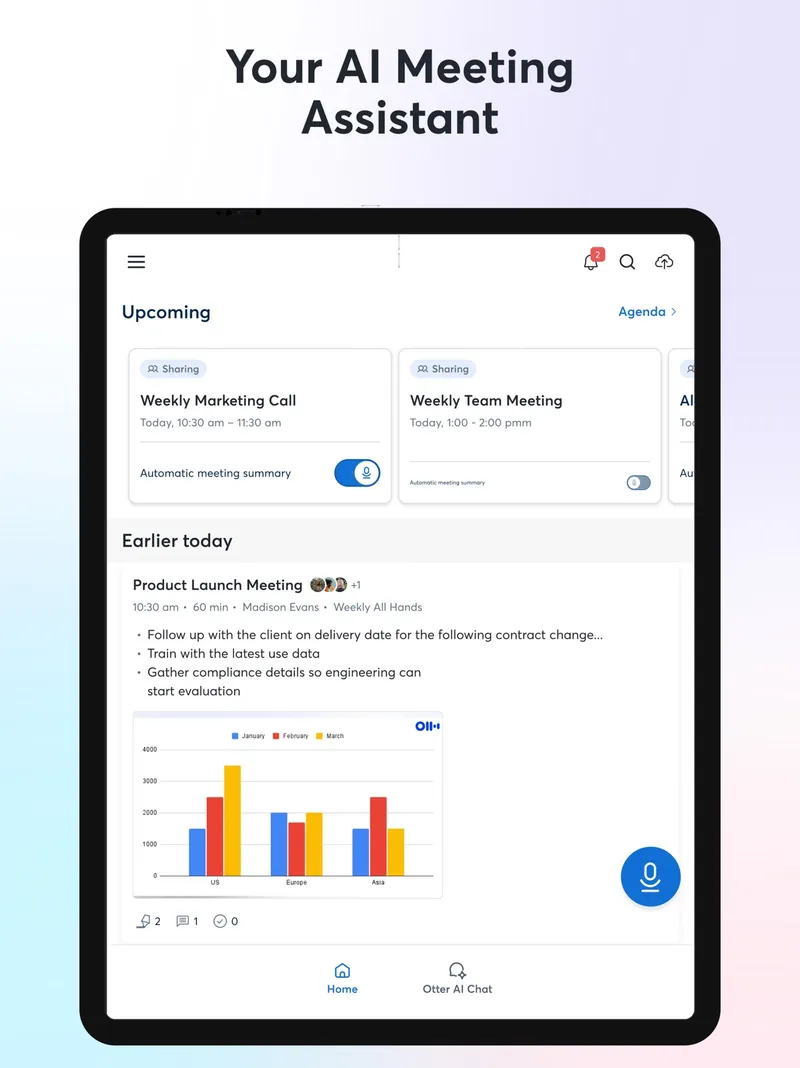
Otter.ai
Free plan with limits; paid plans Otter.ai isn't a type-anywhere dictation tool. It records and transcribes meetings, interviews, lectures and other conversations in real time, creating searchable transcripts, summaries and action items. It has a Mac app and integrates with Zoom, Google Meet and Microsoft Teams.
Pick it if you mostly need transcripts of longer conversations rather than typing by voice.
Also consider: Granola, which takes meeting notes from your Mac's audio without a bot joining the call.
For dictating into any app, choose Wispr Flow for polished output or Superwhisper for offline privacy and a strong free plan. If what you really need is transcripts of meetings or lectures, Otter.ai is the better fit.