You don't need to pay for a good calendar. This list is for anyone who wants a solid calendar app that is free to use, with no trial running out. All three picks are free from the start. Facts come from each company's official pages, checked November 1, 2026.
1 Almost everyone, on any phone
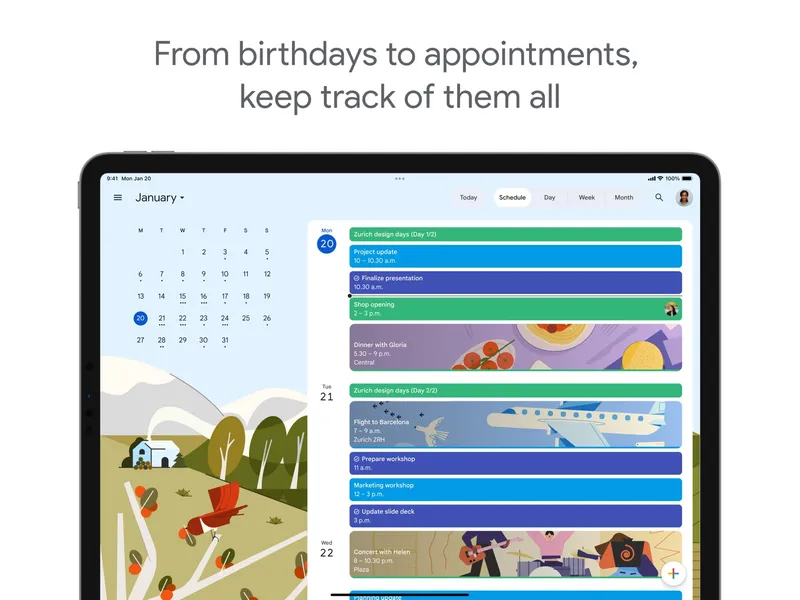
Google Calendar
Free with a Google account Google Calendar is an online calendar for events, appointments, tasks and shared calendars. It syncs across the web, Android and iOS, and supports sharing and appointment booking pages. It is free with a Google account. If you later want premium appointment scheduling, that comes with eligible Google Workspace and Google One plans, but the core calendar stays free.
Pick it if you want a free calendar that works on any phone and is easy to share with family or coworkers.
2 A fast desktop view of several calendars
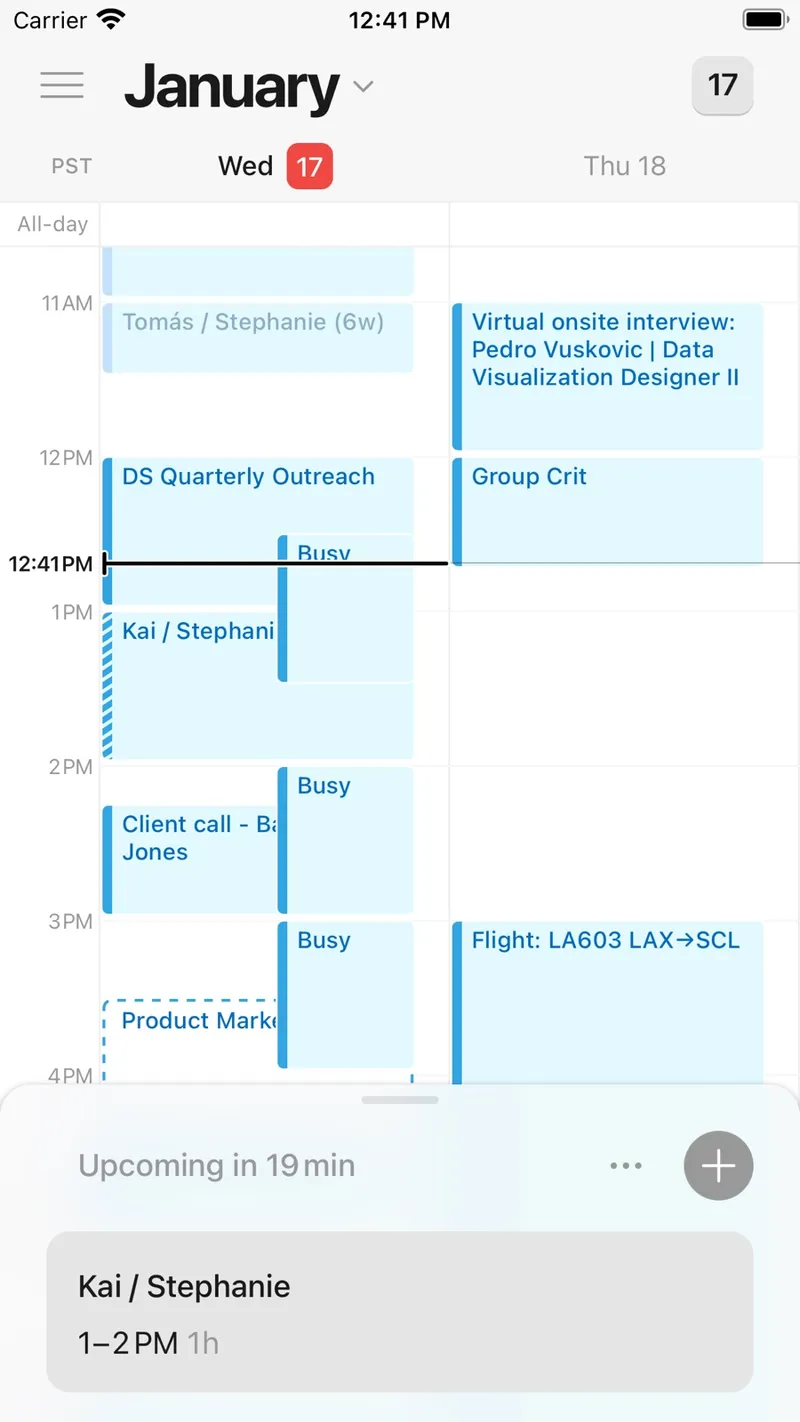
Notion Calendar
Free Notion Calendar, formerly called Cron, puts work and personal calendars in one fast, keyboard-friendly view. It handles scheduling and time zones and shows Notion pages, databases and deadlines next to your events. It is free and runs on iOS, Android, Mac, Windows and the web, so you get proper desktop apps on both Mac and Windows.
Pick it if you want a quick, clean desktop calendar, especially if you already use Notion.
3 iPhone, iPad and Mac users
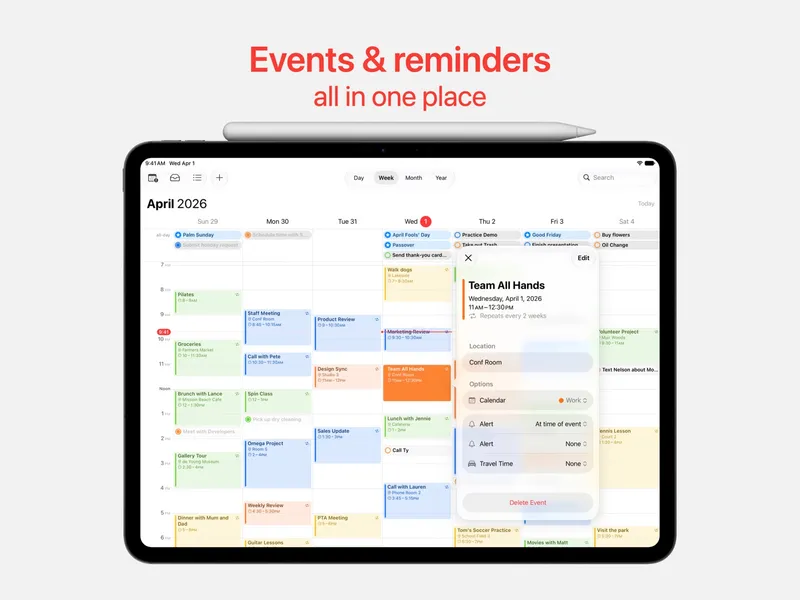
Apple Calendar
Free with Apple devices Apple Calendar is the built-in calendar on Apple devices for events, invitations, reminders, birthdays and subscribed calendars. It works with iCloud, Google, Exchange and other accounts, so you can see your Google events in it too. It supports shared calendars and video-call links. It is included free on iPhone, iPad, Mac and Apple Watch, and has a web version.
Pick it if you use Apple devices and want something already installed that connects to all your accounts.
Also consider: Microsoft Outlook, which is free for personal use and combines email, calendar, contacts and tasks.
Google Calendar is the best free calendar for most people because it runs everywhere and is easy to share. Notion Calendar is the best free pick for a fast desktop experience, especially on Windows or alongside Notion. Apple Calendar is the easiest choice if you are fully on Apple.