Many to-do apps call themselves free but save the good parts for a paid plan. This list is for people who want a task app that is simply free. All three picks come from big companies and cost nothing beyond an account you probably already have. Facts come from each company's official pages, checked November 1, 2026.
1 Most people, on any device
Microsoft To Do
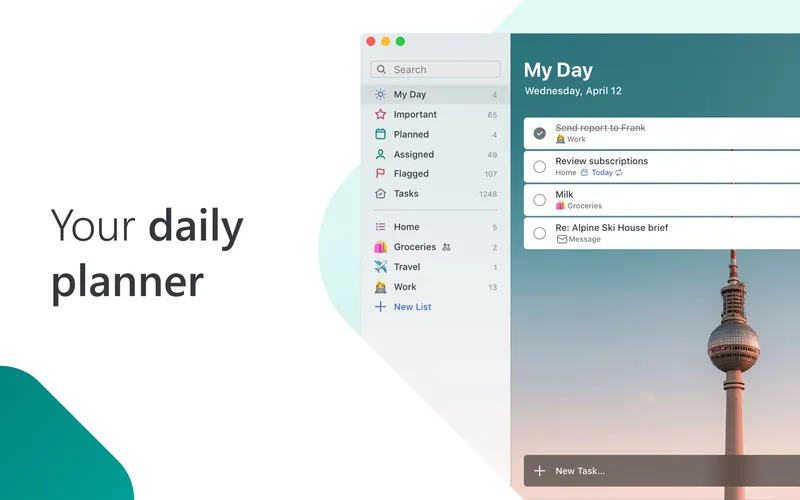
Free Microsoft To Do is a free task app for personal, school and work lists. It has reminders, due dates and notes, plus a My Day planner for picking what to do today. You can share lists with others, and it syncs with Outlook tasks and Microsoft 365. It runs on iOS, Android, Mac, Windows and the web, which makes it the most widely available of the three.
Pick it if you want a free app that works on every kind of device, especially if you use Outlook.
2 Gmail and Google Calendar users
Google Tasks
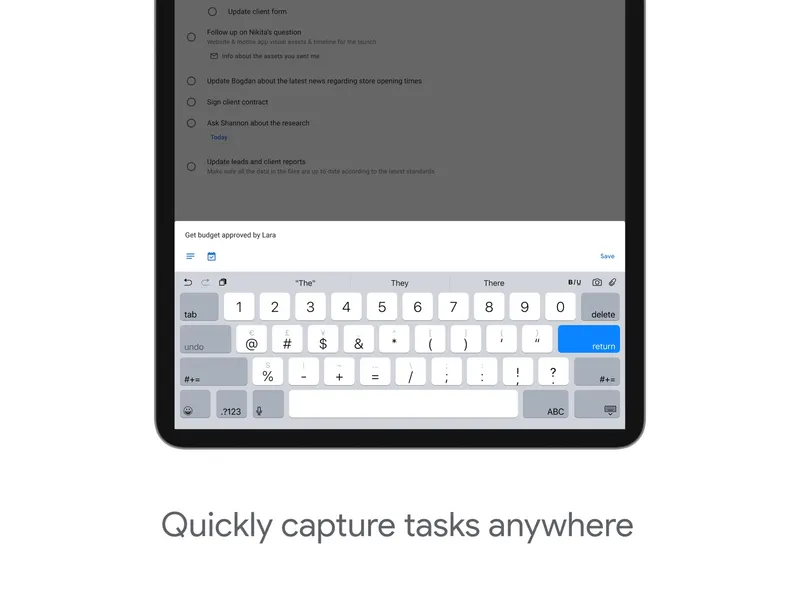
Free with a Google account Google Tasks is a simple to-do manager with lists, subtasks, stars, due dates, repeating tasks and reminders. Its strength is where it lives: it is built into Gmail, Calendar, Chat and Docs, and syncs across devices on the same Google account. It has iOS and Android apps and works on the web. It is free with a Google account and included in paid Google Workspace plans.
Pick it if your day already runs through Gmail and Google Calendar.
3 iPhone and Mac users
Apple Reminders
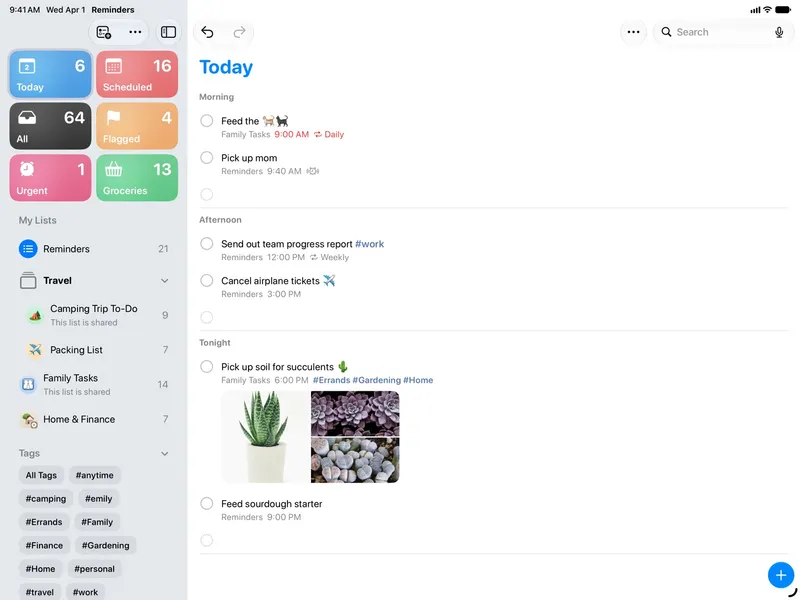
Free with every Apple device Apple Reminders is the built-in task and list app on Apple devices. It covers checklists, grocery lists, subtasks and Smart Lists, with time and location alerts, Siri, shared lists and iCloud sync. It is included free on iPhone, iPad, Mac and Apple Watch, and you can reach it on the web too.
Pick it if everyone in your home uses Apple devices and you want shared lists without another app.
Also consider: the free plans of TickTick and Todoist, if you want more features and don't mind an upgrade prompt.
Microsoft To Do is the best all-round free choice because it runs everywhere and includes a daily planner. Google Tasks is the natural pick for Gmail users. Apple Reminders is hard to beat if you are fully on Apple, especially for shared family lists.