Read-later apps let you save articles, videos and PDFs to come back to when you have time. This guide is for anyone with too many open tabs. We compared the apps in our inventory that save web content and picked three, from a dedicated reading app to a free notebook with web clipping. Prices were checked on November 1, 2026.
1 Serious readers who highlight a lot
Readwise Reader
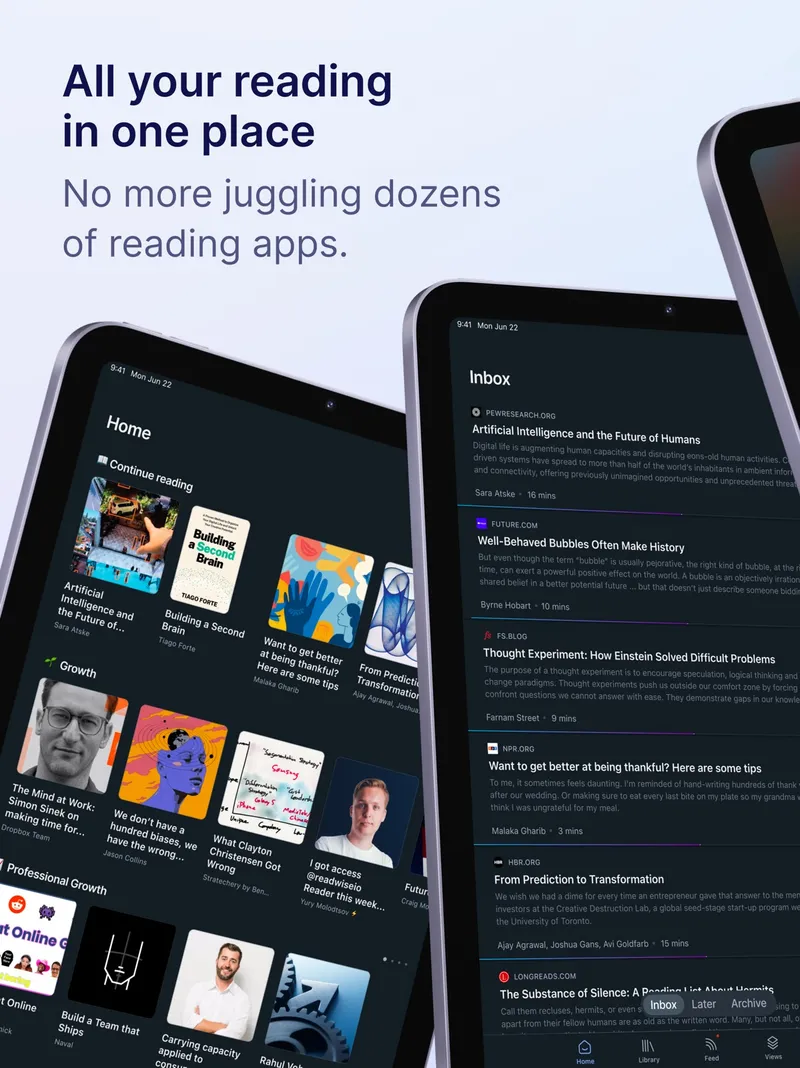
About $10/month billed yearly, or $13/month Readwise Reader is a read-it-later and reading app for power readers. It handles articles, newsletters, RSS, PDFs, EPUBs, videos and social threads in one place, with highlighting, text-to-speech, full-text search and Ghostreader AI. Your highlights sync with Readwise. It's a paid app with a free trial, and runs on every major platform.
Pick it if reading is a big part of your life and you want one app for everything you read.
2 Saving and summarising content with AI
Recall
Free plan; Plus about $10/month billed yearly Recall is an AI personal knowledge base that saves, summarises, organises and connects articles, YouTube videos, podcasts, PDFs and notes, and lets you chat with them. It adds a knowledge graph, spaced repetition and quizzes to help you remember. The free plan includes unlimited saves and notes; students get a 20% discount on paid plans.
Pick it if you save more than you can read and want AI summaries and review tools.
3 Free web clipping into notebooks
Microsoft OneNote
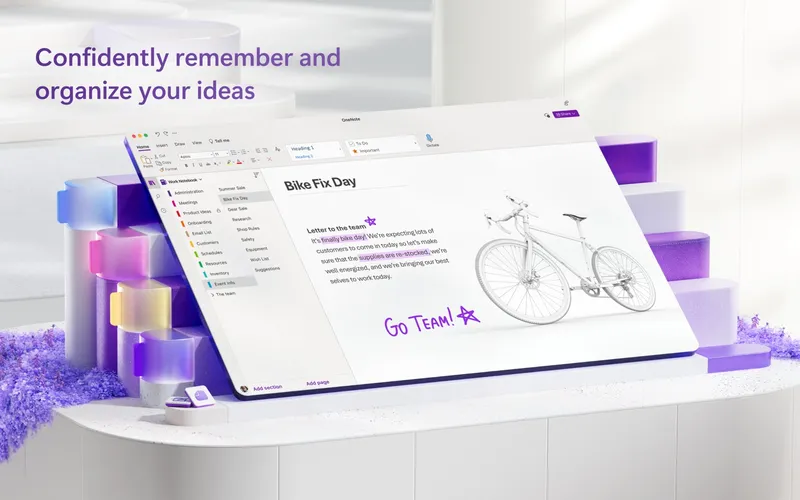
Free; more storage with Microsoft 365 OneNote is a free digital notebook for typed notes, drawings, recordings, web clips and shared notebooks. It isn't a dedicated read-later app, but its web clips let you save pages into notebooks, synced across devices.
Pick it if you want a free way to clip and keep web pages alongside your notes.
Also consider: Evernote, which offers web clipping, search and offline notes.