When work is shared, a personal to-do list stops being enough. You need to see who is doing what and when. This guide is for small and growing teams choosing a shared task app. We compared three popular options using each company's official pages. Prices are as of November 1, 2026.
1 Simple visual boards
Trello
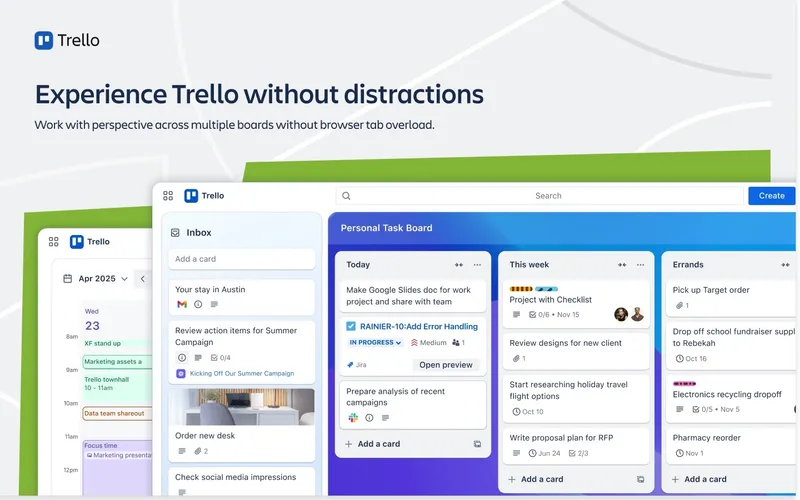
Free plan; paid plans Trello is a visual task and collaboration tool built around boards, lists and cards. Each card can hold checklists and due dates, and Trello adds automation, integrations and shared workflows. It is easy for new people to understand at a glance. It is free for up to 10 collaborators per Workspace. Standard is US$5 per user per month and Premium is US$10 per user per month, both billed annually, with Enterprise priced separately.
Pick it if your team wants a simple, visual way to track work without much setup.
2 All-in-one work platform
ClickUp
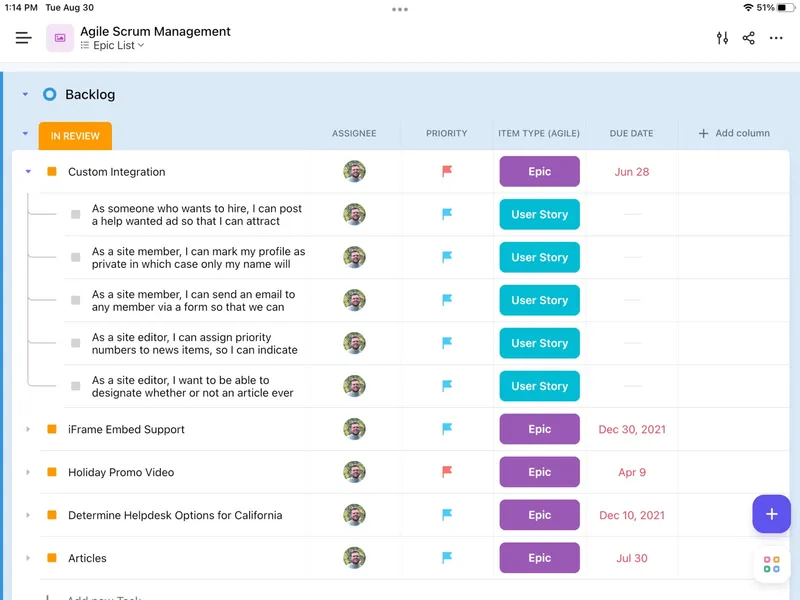
Free plan; paid plans per user ClickUp is an all-in-one work platform for tasks, projects, documents, collaboration and team communication. The Free Forever plan includes 60 MB of storage, unlimited tasks, collaborative Docs, Kanban boards, SyncUps and video calls, two-factor authentication and 24/7 support. Paid tiers include Core, Business, Enterprise and MAX AI; check ClickUp's pricing page for current paid rates. It runs on iOS, Mac, Windows and the web.
Pick it if your team wants tasks, docs and communication in one place and is ready to spend time setting it up.
3 Teams who want a clean shared task list
Todoist
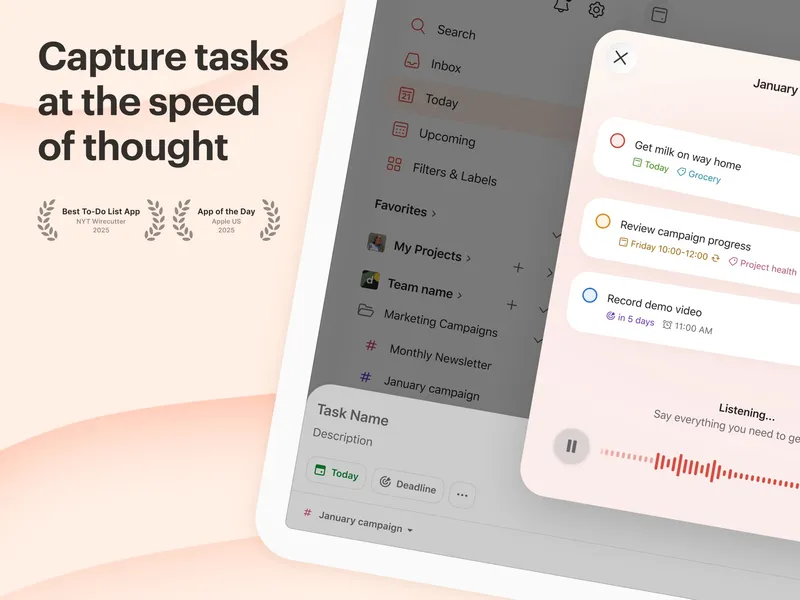
Free plan; Pro and Business plans Todoist is a task manager with projects, priorities, dates, recurring tasks and integrations. Its Business plan, at US$10 per user per month or US$96 per user per year, is aimed at teams sharing work. It runs on iOS, Android, Mac, Windows, the web and Chrome.
Pick it if your team wants a clean, fast task list rather than a full project platform.
Also consider: Superlist, which combines tasks, notes and plans for shared work, with a free plan.