There are a lot of to-do apps, and most people only need one good one. This list is for anyone who wants a reliable place for tasks without trying ten apps first. We compared features, price and platforms from each maker's official pages. Prices are as of November 1, 2026.
1 Most people, on any device
Todoist
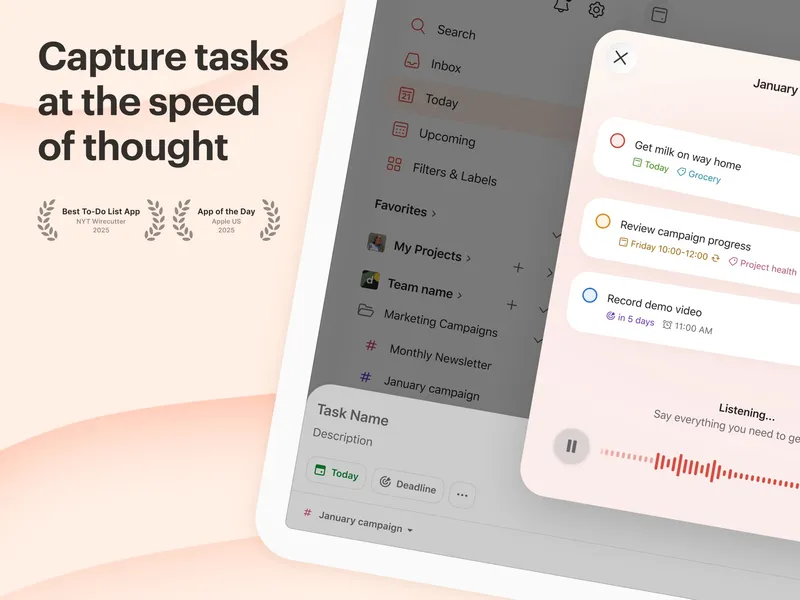
Free plan; Pro and Business plans Todoist is a task manager for capturing, organizing, prioritizing and scheduling tasks for work and life. It handles projects, priorities, dates and recurring tasks, and connects with other tools through integrations. It runs everywhere: iOS, Android, Mac, Windows, the web and Chrome. The free Beginner plan is a real starting point. Pro costs US$7 a month or US$60 a year, and a Business plan (US$10 per user per month) is there if you bring in a team.
Pick it if you want one dependable list that works on every device you use.
2 Tasks plus habits and focus
TickTick
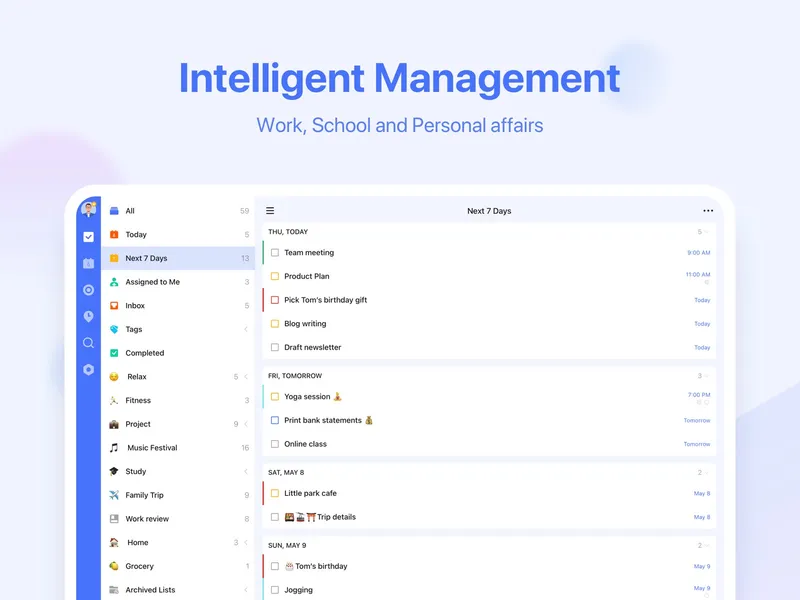
Free plan; Premium yearly TickTick combines to-do lists, reminders and calendar views with a Pomodoro focus timer, habit tracking, countdowns and notes. It is built for managing tasks and daily routines together. It runs on the same wide set of platforms as Todoist. The free plan covers the basics, and Premium is US$49.99 a year.
Pick it if you want tasks, habits and focus sessions in a single app.
3 Apple users who hate subscriptions
Things 3
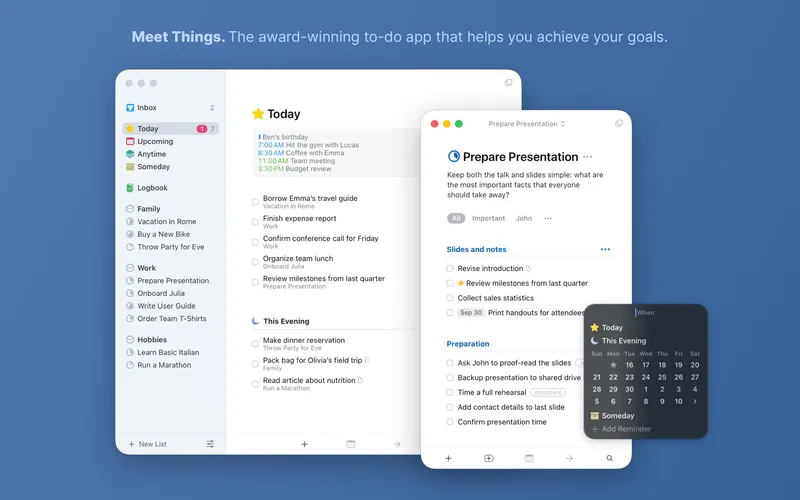
One-time purchase per platform Things is a personal task manager from Cultured Code for planning your day, organizing projects and tracking goals. It supports projects, areas, schedules, reminders, repeating to-dos, tags, calendar integration, widgets and Things Cloud sync. It only runs on Apple devices. There is no subscription: you buy the Mac, iPhone and Watch, and iPad versions once each from the App Store.
Pick it if you live on Apple devices and prefer to pay once.
Also consider: Microsoft To Do, a completely free option with a My Day planner and Outlook sync.
Start with Todoist if you are not sure: it is free to begin, runs on everything and scales to teams. Go with TickTick if habits and a focus timer matter to you. Choose Things 3 if you only use Apple gear and want to avoid another subscription.