Craft and Notion both let you write, organise and share documents, but they lean in different directions. This guide is for people choosing a main place to write and organise, alone or with a small group. We compared the two using official pages, with prices checked on 2026-11-01.
At a glance
Craft
Notion
Best for
Writing and publishing good-looking docs
Docs, databases, projects and team wikis
Price
Free; Plus $8/month or $6.40/month yearly; Family $12/month; Team $5/member/month; Enterprise custom
Free; Plus $10/member/month; Business $20/member/month; Enterprise custom
Platforms
iOS, Android, Mac, Windows, web, Chrome
iOS, Android, Mac, Windows, web
1Writing and publishing good-looking docs
Craft
Free plan; paid plans
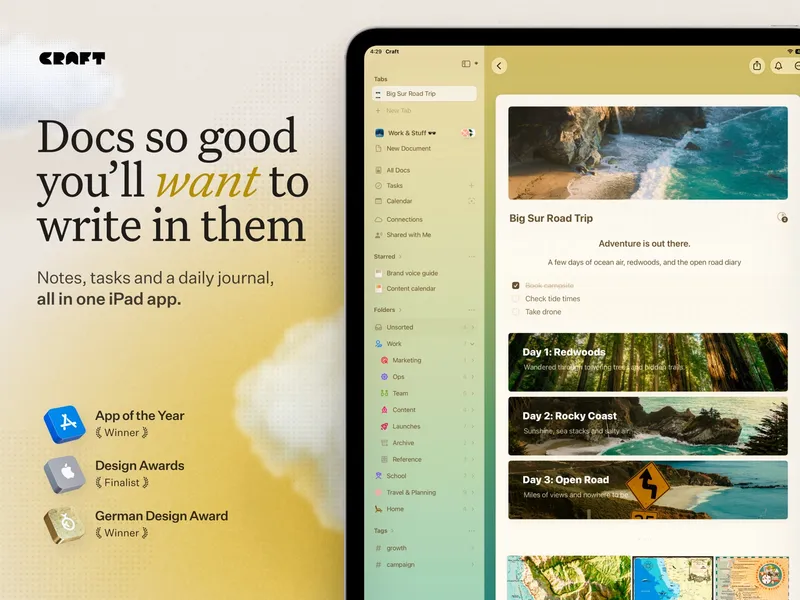
Craft is a document and note-taking workspace for writing, organising information, managing tasks and publishing documents. It offers nested documents, collections, calendars, AI help, collaboration, offline access and sync across devices. It suits Apple users well, and it also runs on Android, Windows, the web and as a Chrome extension. Craft has a Family plan, which is unusual, and a Team plan priced lower per member than Notion's paid tiers.
Pick it if writing is the main thing you do and you want documents that look good and are easy to share, with offline access.
Notion is a workspace for capturing knowledge, documents, projects and tasks in one place. Its strength is databases: you can turn lists into tables, boards and trackers, and link them to pages. Collaboration, publishing and AI features are built in. It is a common choice for team wikis and project tracking.
Pick it if you need databases and project tracking alongside your docs, or you're setting up a shared workspace for a team.
Pick Craft if you mostly write and want a calm, document-first app with offline access and family or small-team plans. Pick Notion if you need structured databases, project tracking or a team wiki. Both have free plans, so try writing a real document in each.

 Docs, databases, projects and team wikis