Goodnotes and Notability are the two names that come up most for handwritten notes on a tablet. This guide is for students and anyone who writes with a stylus. We compared features, pricing and platforms from each vendor's official pages, checked on 2026-11-01.
1 Digital paper, PDF markup and organising documents
Goodnotes
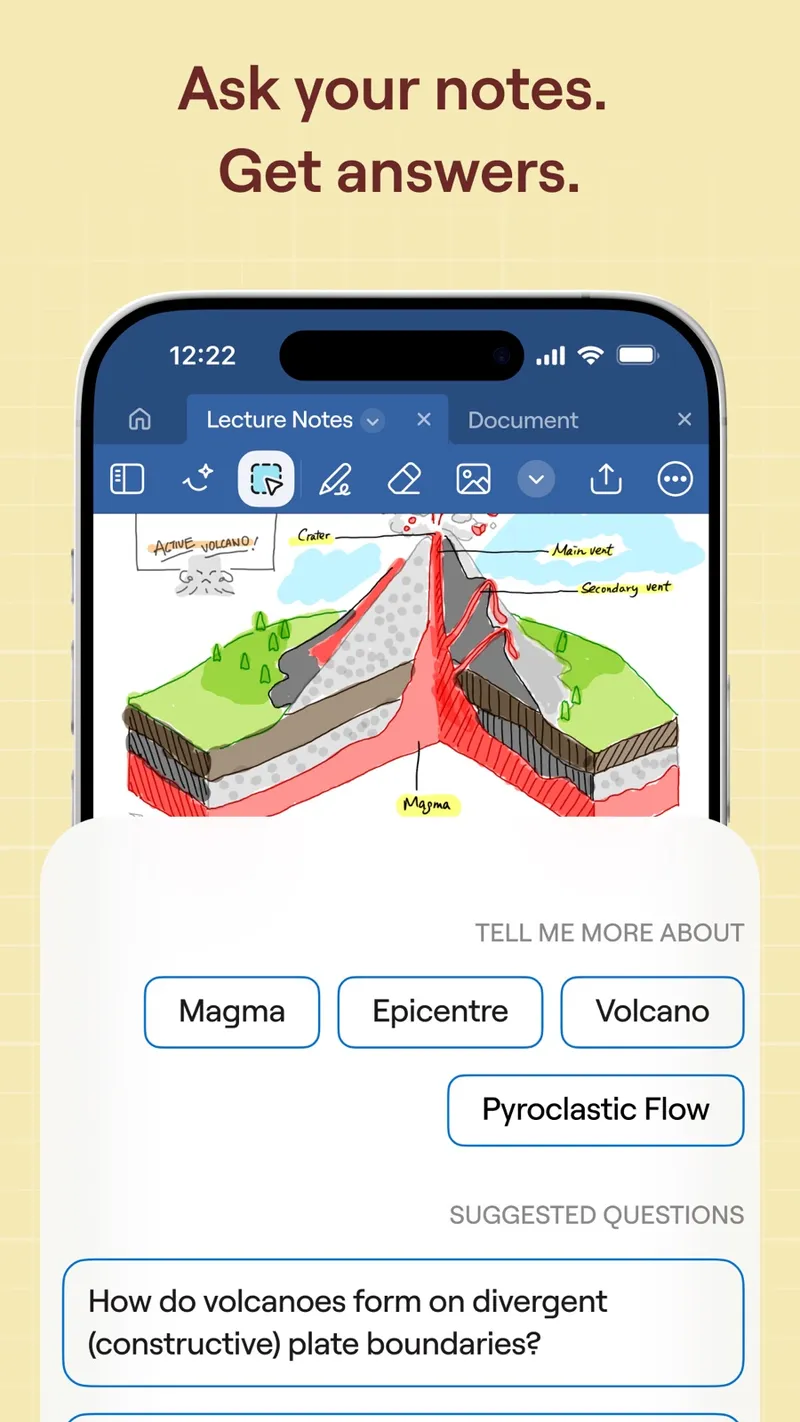
Free plan; paid plans from about $12/year Goodnotes is a digital paper app for handwritten and typed notes, PDF markup and document organisation, with collaboration and AI features. It is best known on iPad with Apple Pencil, and it also runs on Android, Windows and the web. The free plan lets you try it, and the paid yearly plans are modestly priced. Apple users can also buy a one-time edition instead of subscribing.
Pick it if you want a notebook-style app for writing and annotating PDFs, or you need it on a Windows device too.
2 Lectures: handwriting plus audio recording
Notability
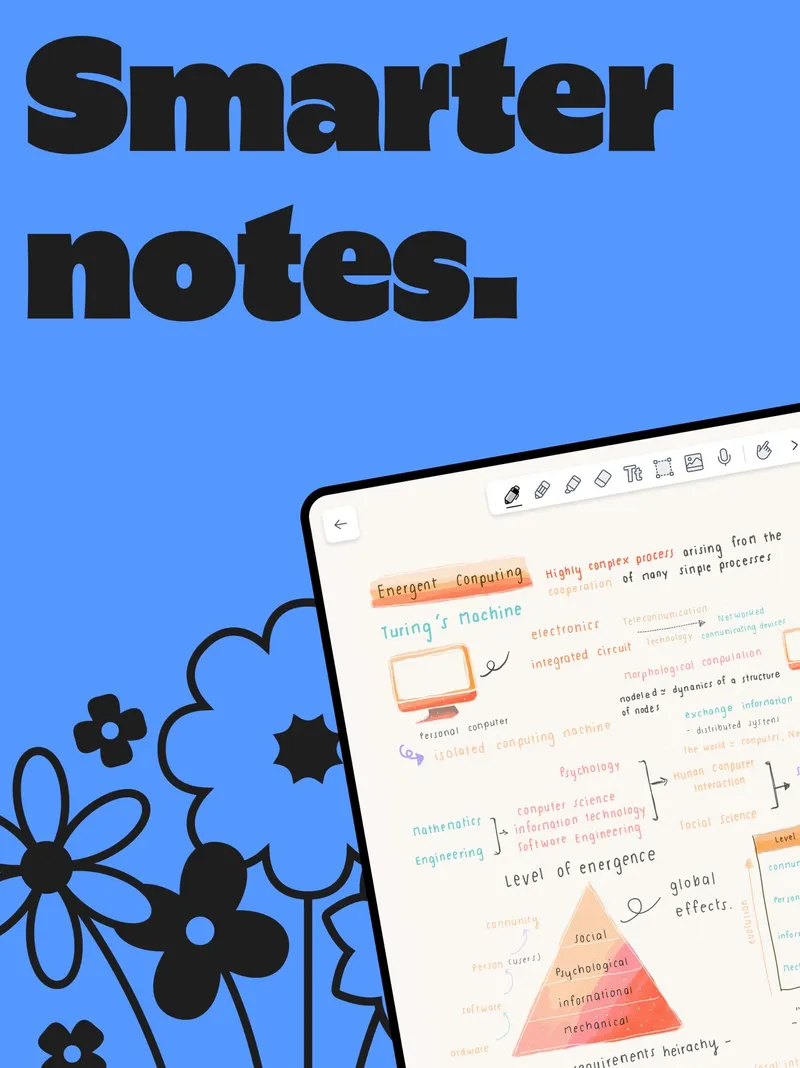
Free Starter plan; paid plans or a one-time Classic purchase Notability combines handwriting and typing with audio recording and transcription, PDF markup and AI study tools. Recording a lecture while you take notes, then having the audio transcribed, is the feature most people choose it for. Notes sync across Apple devices, Android and the web. It offers a free Starter plan, several paid tiers and a Classic one-time purchase. The pricing record does not list prices for every tier, so check the official page.
Pick it if you sit in lectures or meetings and want your handwritten notes tied to an audio recording and transcript.
Choose Goodnotes if you mainly write and mark up PDFs, want clear low yearly prices, or need Windows support. Choose Notability if recording and transcribing audio alongside your notes matters most. Both have free plans, so test them with a real class or meeting before paying.