Microsoft To Do and Google Tasks are both free, simple task apps from big tech companies. Most people end up choosing based on which ecosystem they already use. This comparison looks at features, platforms and cost using official Microsoft and Google pages, checked November 1, 2026.
1 Outlook and Microsoft 365 users, and desktop use
Microsoft To Do
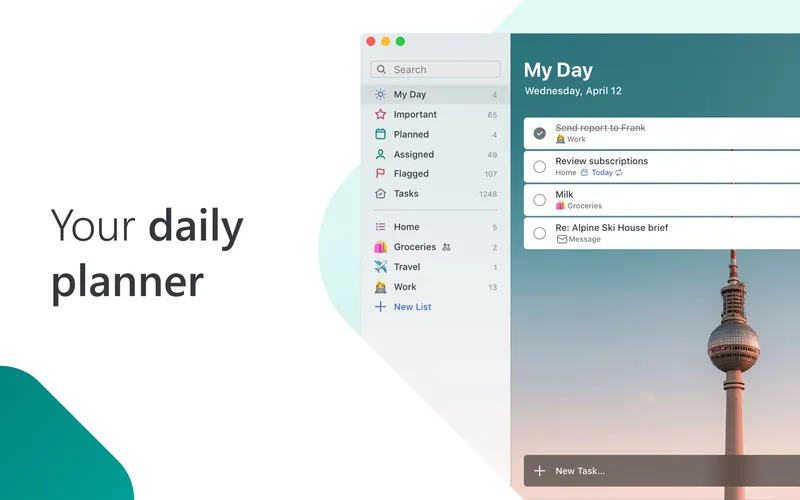
Free Microsoft To Do is a free task app for personal, school and work lists, with reminders, due dates and notes. Its standout feature is My Day, a planner where you pick what you want to do today. You can share lists with other people, and it syncs with Outlook tasks and Microsoft 365. It has apps for iOS, Android, Mac and Windows, plus a web version. All you need is a free Microsoft account.
Pick it if you use Outlook or Microsoft 365, want a daily planner view, or want native desktop apps.
2 Gmail and Google Calendar users
Google Tasks
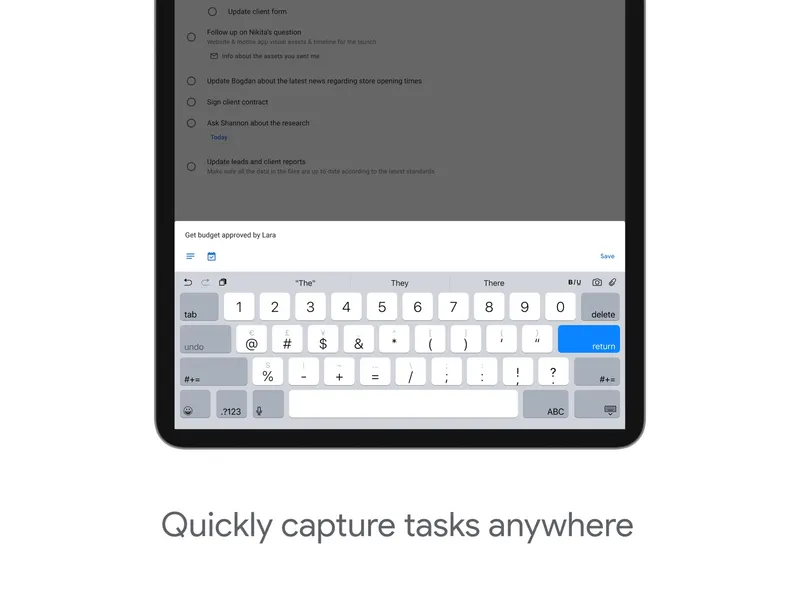
Free with a Google account Google Tasks is a simple to-do manager with lists, subtasks, stars, due dates, repeating tasks and reminders. Its strength is that it is built into Gmail, Google Calendar, Chat and Docs, so tasks sit right next to your email and events. It syncs across devices on the same Google account. There are iOS and Android apps and a web version, but no dedicated Mac or Windows app. It is free with a Google account and included in paid Google Workspace plans.
Pick it if you spend your day in Gmail and Google Calendar and want tasks right beside them.
Both apps are free, so there is no cost risk. Choose Microsoft To Do if you want shared lists, the My Day planner and native desktop apps, or if you work in Outlook. Choose Google Tasks if you already live in Gmail and Google Calendar and want the simplest possible list that sits inside them. If you use both ecosystems, pick the one where you read your email.