Obsidian is a note-taking and knowledge-management app built around a local vault of plain-text Markdown files, with links, a graph view, plugins and themes. The core app is free; Sync is $4/user/month and Publish $8/site/month, billed annually. This guide is for people who want a different take on linked or private notes. Facts come from official pages, with prices checked on 2026-11-01.
1
Logseq
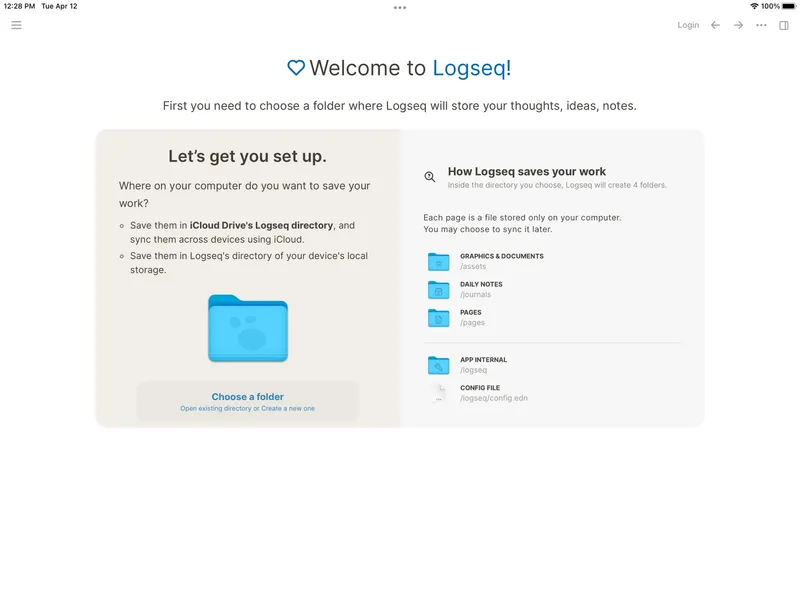
Free and open source Logseq is a local-first, open-source knowledge base and outliner for linked notes, journals, tasks, PDF annotation and flashcards. Your graph stays on your device, with optional sync.
Pick it if you think in bullet points and daily journals and want fully open source.
2
Capacities
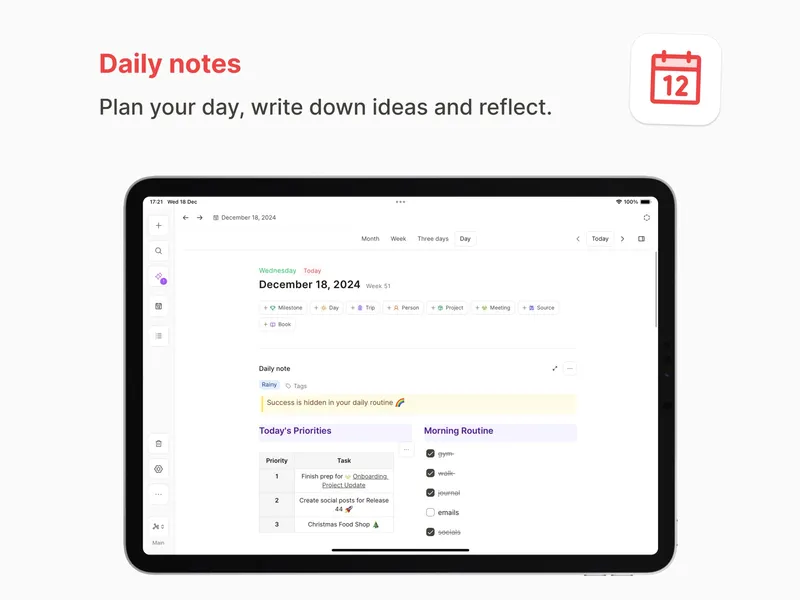
Free plan; Pro subscription Capacities organises information as connected objects rather than files and folders. It includes daily notes, custom object types, linking, search, and optional AI and productivity features. It also has a web app.
Pick it if you want linked notes without managing files and folders.
3
Anytype
Free; paid plans for more storage and sharing Anytype is an offline-first, open-source workspace for pages, tasks and other structured objects, with end-to-end encryption, shared channels and list, calendar and board views.
Pick it if you want local-first privacy with database-like structure.
4
Joplin
Free app; Joplin Cloud sync about €3/month Joplin is an open-source app for text and multimedia notes. Notes are stored in an open format and sync through Joplin Cloud or third-party services, with optional end-to-end encryption.
Pick it if you want Markdown notes with built-in, encrypted sync options and no plugin tinkering.
If you like Obsidian's local-first approach but prefer outlining, Logseq is the closest cousin. Capacities suits people who want linked notes without files. Anytype adds structure and encryption, and Joplin is a straightforward open-source Markdown notebook.