OneNote and Evernote have been around for years, and both still have loyal users. This guide is for people choosing a long-term home for everyday notes, web clippings and documents. We compared the two using official sources, with pricing checked on 2026-11-01.
1 Free-form notebooks, handwriting and Microsoft 365 users
Microsoft OneNote
Free; more storage with Microsoft 365 OneNote is a digital notebook for capturing and organising typed notes, drawings, recordings, web clips and shared notebooks. Notebooks sync across devices and work offline in supported versions. It is free to download and use, and it supports handwriting, which makes it a good fit for students. Extra features and storage come with a Microsoft 365 subscription, which also includes the other Office apps.
Pick it if you want a free, flexible notebook with drawing and handwriting, or you already pay for Microsoft 365.
2 Capturing, clipping and searching lots of notes
Evernote
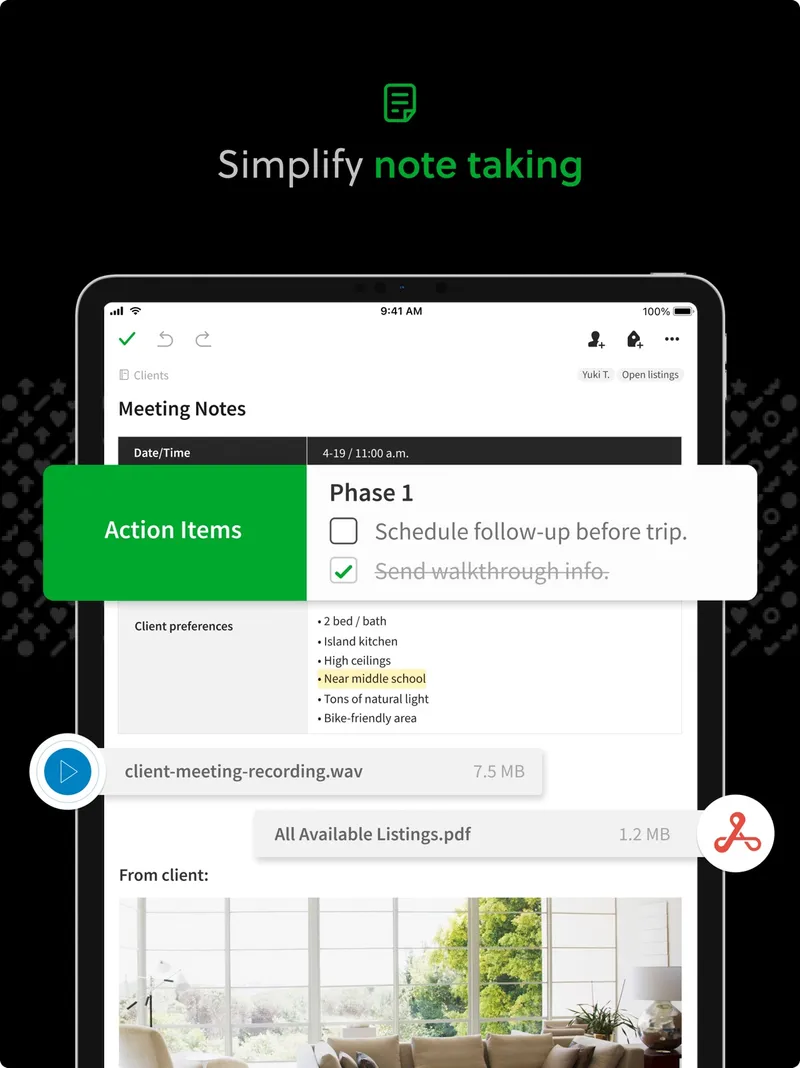
Very limited free plan; paid plans Evernote is a note-taking and organisation service for capturing information, managing notes and notebooks, searching content, and coordinating tasks and calendars. It offers web clipping, sharing, offline notes and AI-assisted features that vary by plan, with apps on mobile, desktop and the web. There is a free plan; our record does not list current paid prices, so check Evernote's compare-plans page before deciding.
Pick it if you clip a lot from the web and want notes, tasks and calendar coordination in one searchable place.
For most people, OneNote is the easier start: it's free, runs everywhere and handles handwriting and drawing. Evernote suits heavy capturers who want web clipping, search and tasks together and are happy to pay for a plan. Try the free versions of both with a week of real notes.