A good email client should not cost money. We looked at the free options in our inventory and picked three: one fully free and open source, and two with generous free plans you never have to upgrade. Prices were checked on November 1, 2026.
At a glance
Thunderbird
Spark Mail
Microsoft Outlook
Best for
Desktop users who want free and open source
A smart inbox with AI on every device
Email and calendar together
Price
Free; funded by donations
Free; paid Plus and Pro plans
Free for personal use
Platforms
Android, Mac, Windows, Linux
iPhone, Android, Mac, Windows, web
iPhone, Android, Mac, Windows, web
1Desktop users who want free and open source
Thunderbird
Free; funded by donations
Thunderbird is a free, open-source app for email, calendar and contacts. It is funded by user donations, so there is no paid tier at all. It has a unified inbox for several accounts and runs on Windows, Mac and Linux, with an Android app as well. There is no iPhone version in our records.
Pick it if you want a completely free, open-source client, especially on a Windows or Linux computer.
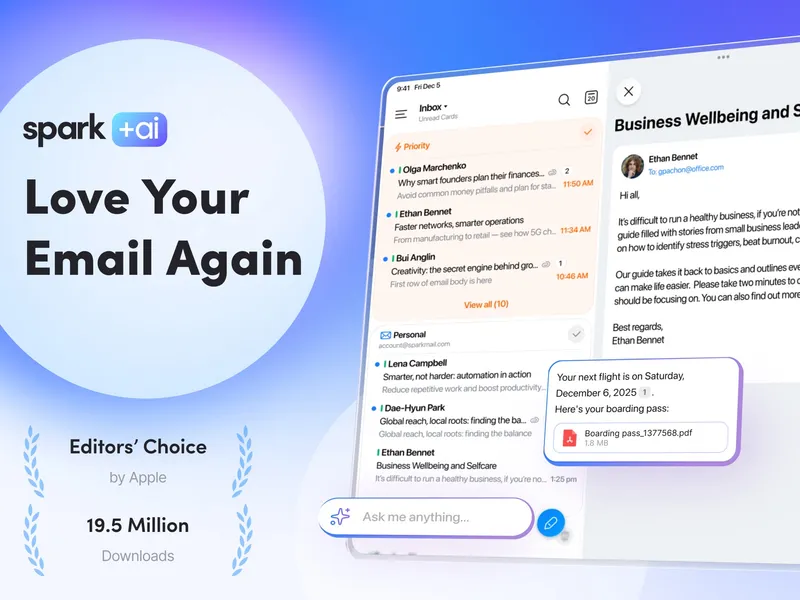
Spark is a cross-platform email client with a Smart Inbox that puts important mail first, plus tools to prioritize and organize. It also has an AI assistant for writing, translation and summaries. The free plan stands on its own; Plus ($10 a month) and Pro ($20 a month) add more for heavy users and teams.
Pick it if you want a modern, smarter inbox that works on your phone and computer alike.
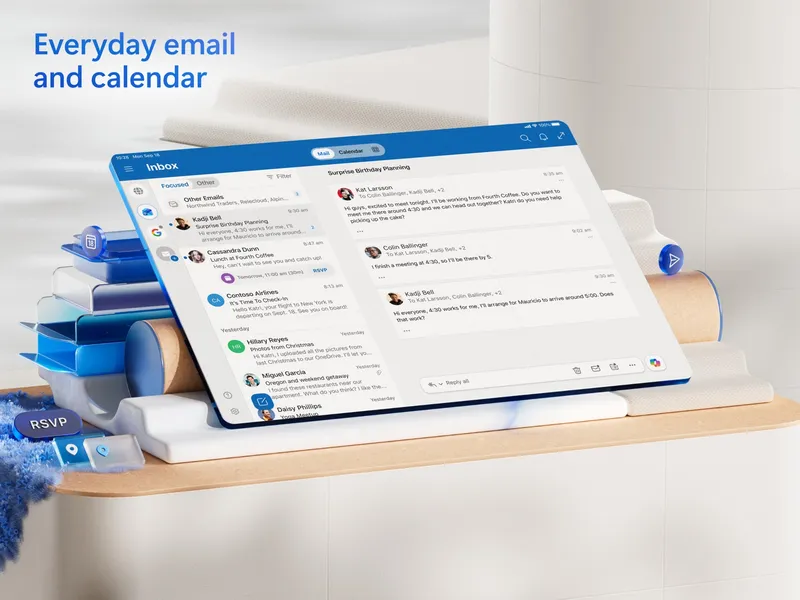
Outlook combines email, calendar, contacts and tasks, and it is free for personal use. It can connect Outlook.com, Gmail, Yahoo, iCloud and other accounts, so it works even if you do not use Microsoft for email. Paying for Microsoft 365 or the $179.99 standalone version adds more, but you do not need to.
Pick it if you want your calendar right next to your email in one free app.
Apple Mail, free on every iPhone, iPad and Mac, and the free plan of Canary Mail, which adds AI features and encryption options.
Verdict
For a truly free, open-source desktop client, choose Thunderbird. For a smart inbox that works on every device, including iPhone, Spark's free plan is the best all-rounder. If you want email and calendar together, Outlook is free for personal use and connects to almost any account.


 A smart inbox with AI on every device