Markdown lets you format notes with simple symbols, like # for headings, and keeps your writing easy to move between apps. This guide is for writers, developers and anyone who prefers plain text. We compared the Markdown note apps in our inventory and picked three. Prices were checked on November 1, 2026.
1 Linked knowledge base in local files
Obsidian
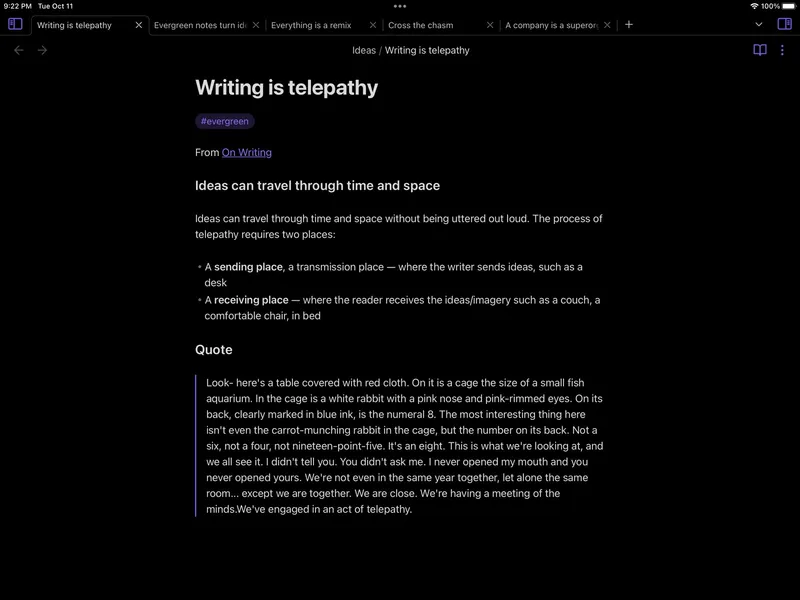
Free for personal use; Sync and Publish are paid add-ons Obsidian is built around a local vault of plain-text Markdown files. Your notes are just files on your device, so you can open them with any editor. You can link notes, explore a graph view, and add plugins and themes. The core app is free.
Pick it if you want Markdown files you fully own, plus links between notes.
2 Clean writing on Apple devices
Bear
Free; Bear Pro subscription adds sync Bear is a writing and note-taking app with Markdown-style formatting. Notes are organised with tags and support attachments, scanning, search, sharing and export, syncing through iCloud on Apple devices. There's a free plan, and Pro is inexpensive with a 7-day trial.
Pick it if you use Apple devices and want a calm, focused place to write.
3 Open-source notes with encrypted sync
Joplin
Free app; Joplin Cloud sync about €3/month Joplin is an open-source app for text and multimedia notes, including images, PDFs, audio, tables, diagrams and to-dos. Notes use an open format and sync through Joplin Cloud or third-party services, with optional end-to-end encryption. The app itself is free.
Pick it if you want open source, Linux support and encrypted sync.
Also consider: Notesnook (open source, encrypted by default) and NotePlan (Markdown notes, tasks and calendar on Apple devices).
Obsidian is the best all-round Markdown app, especially if you want to link ideas. Bear is the nicest pure writing app for Apple users. Joplin is the pick for open source and encrypted sync across every platform.