An iPad, especially with an Apple Pencil, makes a handy digital notebook. This guide is for iPad owners choosing a notes app, from students to professionals. We compared the note apps in our inventory that run on iPad and picked three. Prices were checked on November 1, 2026.
1 Digital paper and PDF markup
Goodnotes
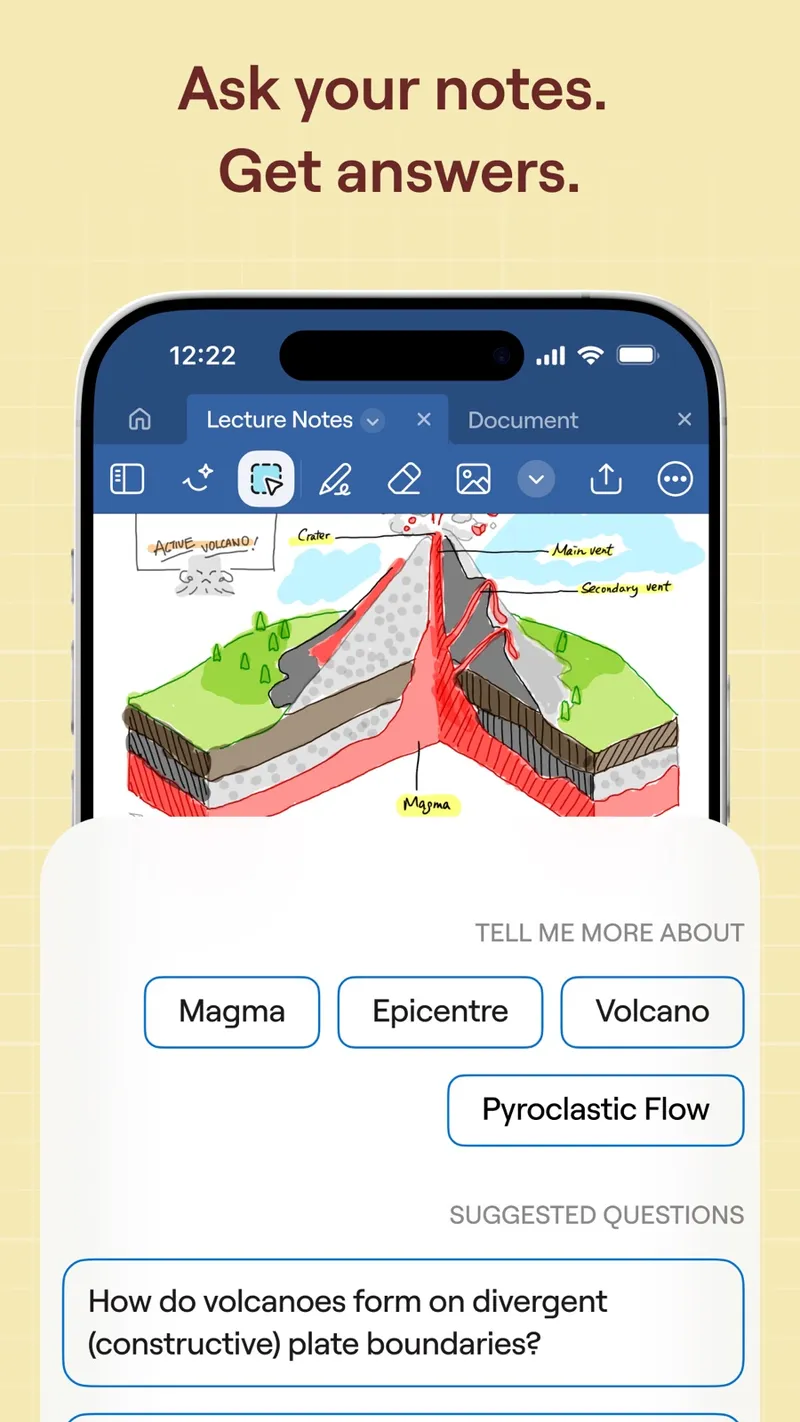
Free plan; paid plans from about $12/year Goodnotes is a digital paper app for handwritten and typed notes, PDF markup and document organisation, with collaboration and AI features. It's best known on iPad with Apple Pencil. It also runs on Android, Windows and the web, so your notes aren't locked to Apple. You can subscribe yearly or buy the Apple-only one-time edition.
Pick it if you want the classic notebook experience and lots of PDF annotation.
2 Handwriting plus audio recording
Notability
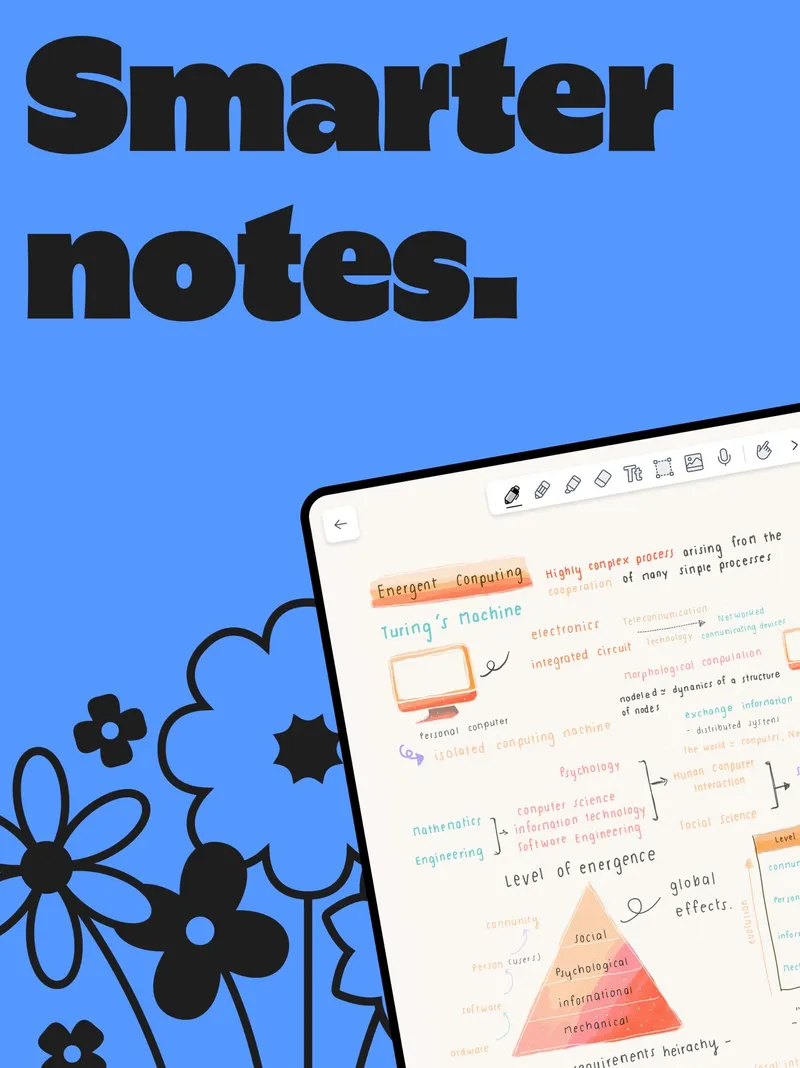
Free Starter plan; paid plans or a one-time Classic purchase Notability combines handwriting and typing with audio recording and transcription, PDF markup and AI study tools. You can record a lecture or meeting while you write, then use the transcript later. Notes sync across Apple devices, Android and the web. There's a free Starter plan and a Classic one-time purchase.
Pick it if you want your handwritten notes tied to an audio recording.
3 Free everyday notes
Apple Notes
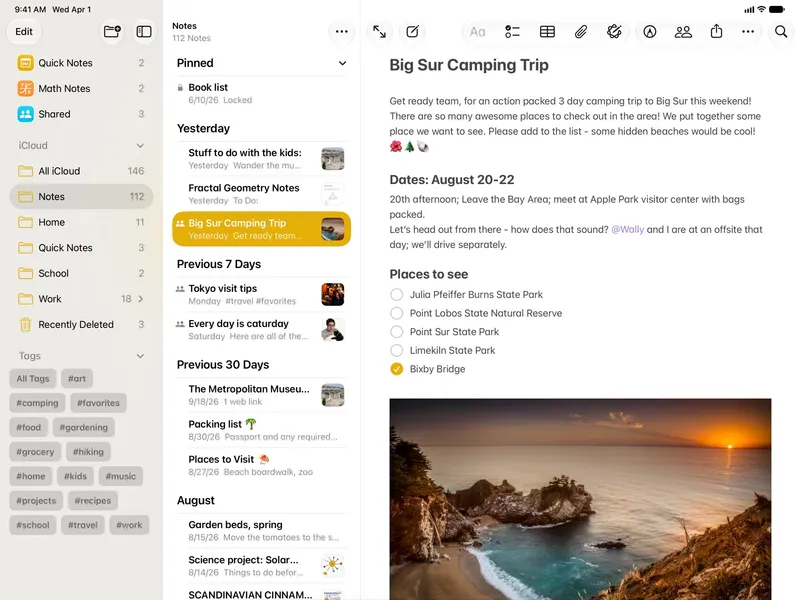
Free with every Apple device Apple Notes is free and already on your iPad. It handles text, checklists, sketches, attachments, scans and links, with folders, tags, locked notes and collaboration, and syncs through iCloud.
Pick it if you want a free app for quick notes and sketches without installing anything.
Also consider: Microsoft OneNote, a free notebook with handwriting support on every platform.
Goodnotes is the best pick for most iPad note-takers who write by hand and mark up PDFs. Choose Notability if recording audio with your notes matters. If you just need quick notes and sketches, Apple Notes is free and good enough.