Notion is a workspace for knowledge, documents, projects and tasks in one place, with databases, collaboration and AI built in. It's free to start, with Plus at $10 and Business at $20 per member per month. But it isn't for everyone. This guide is for people who want something more private, simpler, or more app-like. Facts come from official pages, with prices checked on 2026-11-01.
1
Obsidian
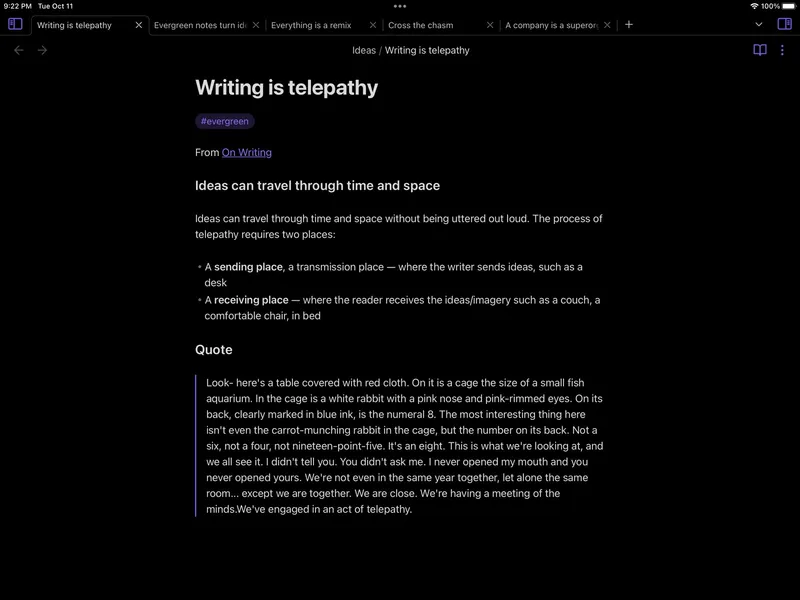
Free for personal use; Sync and Publish are paid add-ons Obsidian keeps your notes as plain-text Markdown files in a local vault. You link notes, browse a graph view and add plugins and themes. The core app is free; Sync and Publish are optional paid services.
Pick it if you want to own your notes as files and work offline.
2
Coda
Free plan; Pro about $12 per Doc Maker/month Coda is a collaborative doc that combines writing with tables, buttons, automations, integrations and AI. Teams build project trackers, team hubs and lightweight workflow apps in it. Pricing is per Doc Maker, not per member.
Pick it if your team wants interactive docs and automations.
3
Craft
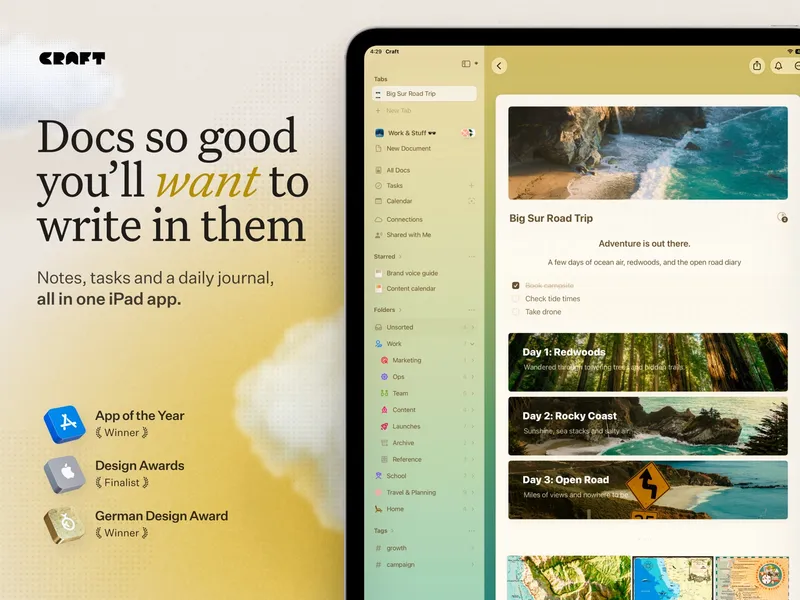
Free plan; paid plans Craft is a document and note-taking workspace with nested documents, collections, calendars, AI help, collaboration, offline access and publishing. It has Family and Team plans as well as a free tier.
Pick it if you mostly write and want good-looking documents without database overhead.
4
Anytype
Free; paid plans for more storage and sharing Anytype is an offline-first, open-source workspace for pages, tasks and other structured objects. It offers end-to-end encryption, shared channels, web publishing and list, calendar and board views. The free plan includes 100 MB of remote storage.
Pick it if you want Notion-style structure with privacy and open source.
5
AFFiNE
Free local use; Pro about $7/month; one-time Believer plan AFFiNE is an open-source, local-first workspace that combines docs, notes, databases and visual whiteboards. It works offline, with optional cloud sync, collaboration, self-hosting and AI features.
Pick it if you want docs and whiteboards together, or want to host it yourself.
For private, file-based notes, Obsidian is the clearest switch. Teams that want app-like docs should try Coda. Writers will like Craft. If you want Notion's blocks-and-databases style but open source and local-first, start with Anytype or AFFiNE.