Things 3 and OmniFocus are two long-standing task managers for Apple devices. They aim at different people: one is about planning your day simply, the other is built for the Getting Things Done (GTD) method. We compared features, price and platforms using the makers' own pages. Prices are as of November 1, 2026.
1 Simple daily planning on Apple devices
Things 3
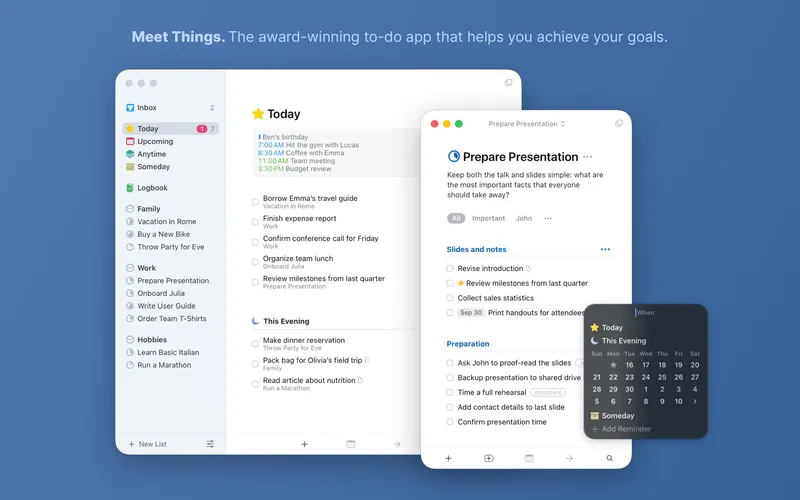
One-time purchase per platform Things is a personal task manager from Cultured Code for planning days, organizing projects and tracking goals. It supports projects, areas, schedules, reminders, repeating to-dos, tags, calendar integration, widgets and Things Cloud sync. It runs on iPhone, iPad, Mac and Apple Watch. Pricing is simple: you buy each version once on the App Store (Mac, iPhone and Watch, and iPad are sold separately), and there is no subscription.
Pick it if you want a tidy, easy task list and prefer paying once.
2 GTD fans who want deep control
OmniFocus
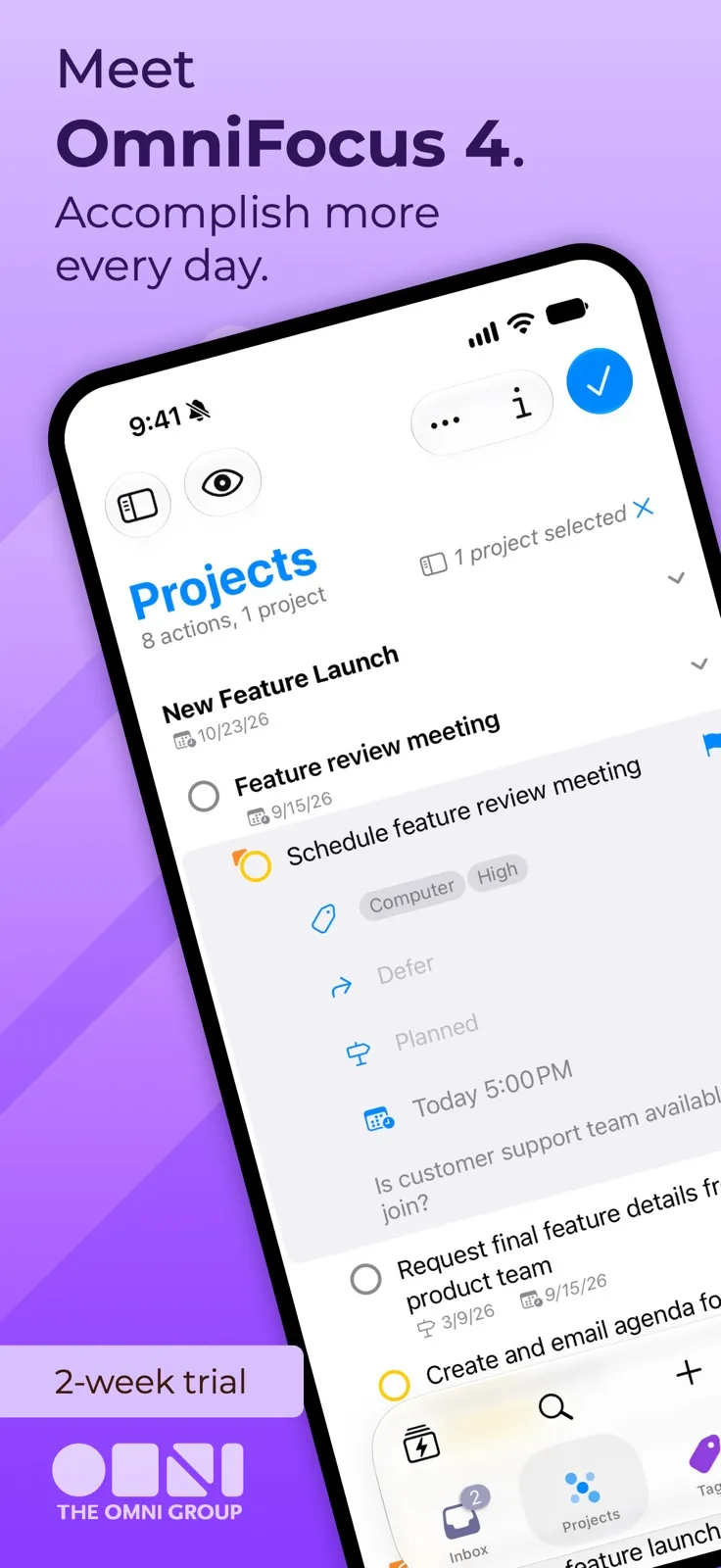
One-time licence from about $75, or about $10/month; free trial OmniFocus is a task manager for Apple devices built around GTD. It offers projects, tags, dates, a Forecast view and customizable perspectives, which let you build your own filtered views of your tasks. It runs on iPhone, iPad, Mac and Apple Watch, and licence holders also get a web version. You can buy Standard for US$74.99 or Pro for US$149.99 once, or subscribe for US$9.99 a month or US$99.99 a year. There is a two-week free trial.
Pick it if you follow GTD closely and want custom views and fine control over a large task system.
Things 3 suits most people who want a clear, simple system on Apple devices without a subscription. OmniFocus is for power users who run a full GTD workflow and want custom perspectives, and who may also want web access. If you are unsure, try the OmniFocus two-week trial; if it feels like too much, Things is likely the better fit.