A "second brain" is a place to store what you learn and connect ideas so you can find and reuse them later. This guide is for readers, researchers and knowledge workers building one. We compared the linked-note apps in our inventory and picked three. Prices were checked on November 1, 2026.
1 A customisable vault of linked Markdown files
Obsidian
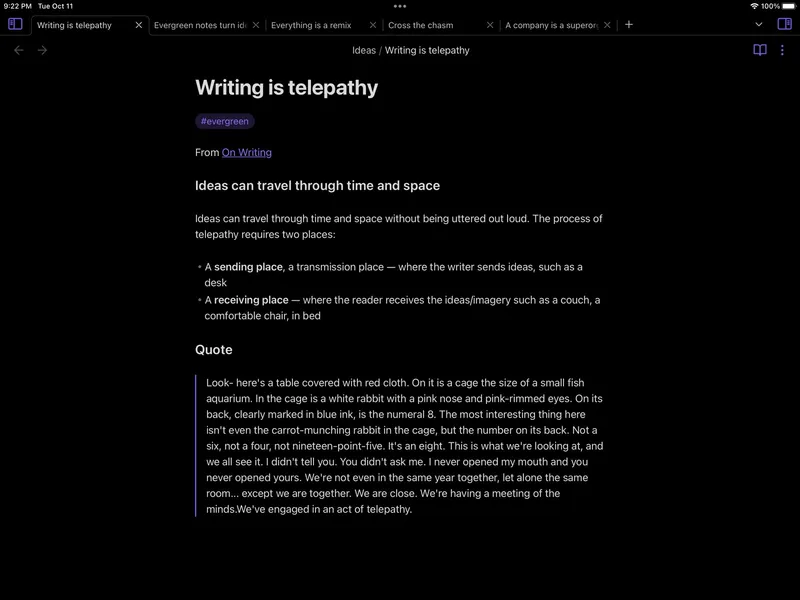
Free for personal use; Sync and Publish are paid add-ons Obsidian is a note-taking and knowledge-management app built around a local vault of plain-text Markdown files. You link notes, explore them in a graph view, and shape the app with plugins and themes. The core app is free, and your notes stay on your device.
Pick it if you want full control and are happy to build your own system.
2 Notes as connected objects, no folders
Capacities
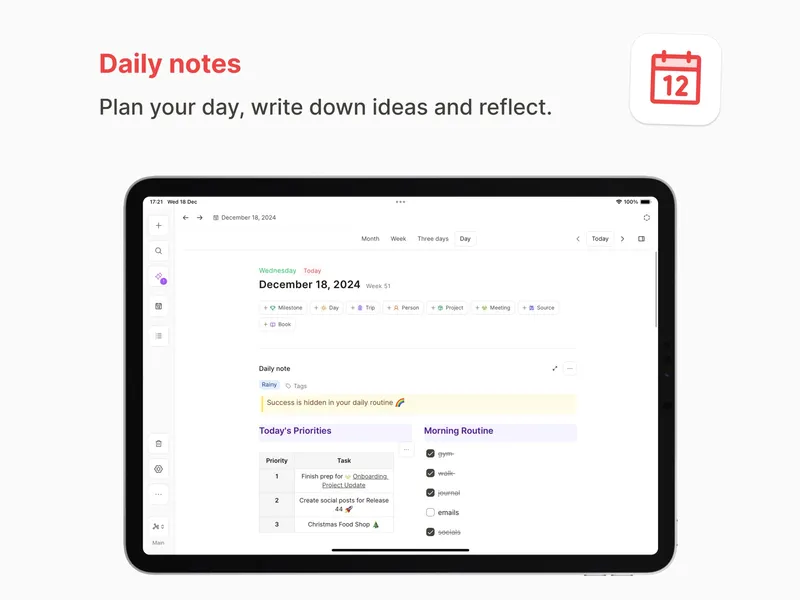
Free plan; Pro subscription Capacities organises information as connected objects rather than files and folders. You can create custom object types, such as books, people or ideas, and link them together. It includes daily notes, search, and optional AI and productivity features, plus a web app.
Pick it if you want a structured second brain without managing files or plugins.
3 Outlining and daily journals
Logseq
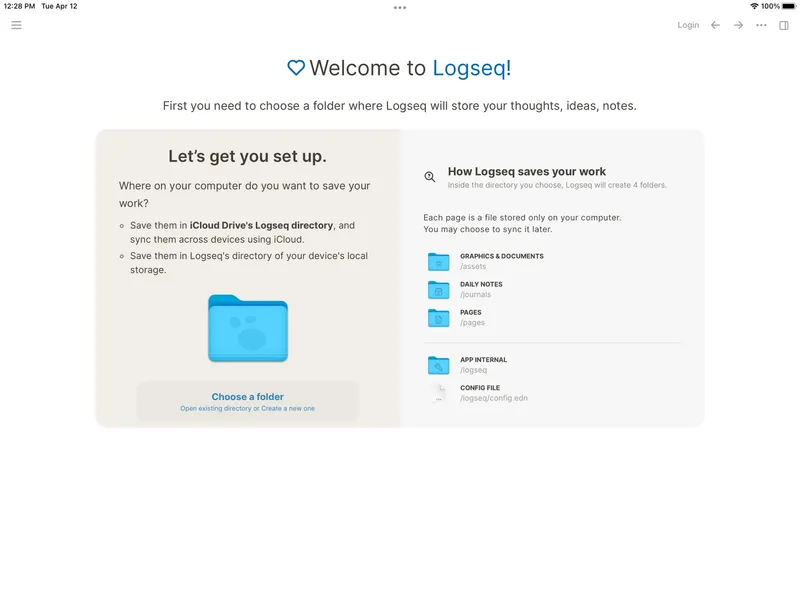
Free and open source Logseq is a local-first, open-source knowledge base and outliner for linked notes, journals, tasks, PDF annotation and flashcards. Your graph stays on your own device. It's free.
Pick it if you like starting each day in a journal and thinking in bullet points.
Also consider: Heptabase (visual cards and whiteboards for research) and Anytype (open-source, encrypted, offline-first).
Obsidian is the most flexible second brain if you like to tinker. Capacities is the easiest way to get structure without setup. Logseq is the best free, open-source choice for outliners. All three let you start free, so try one for a few weeks before committing.